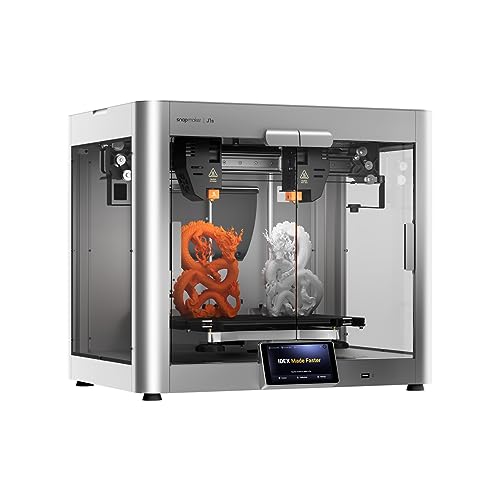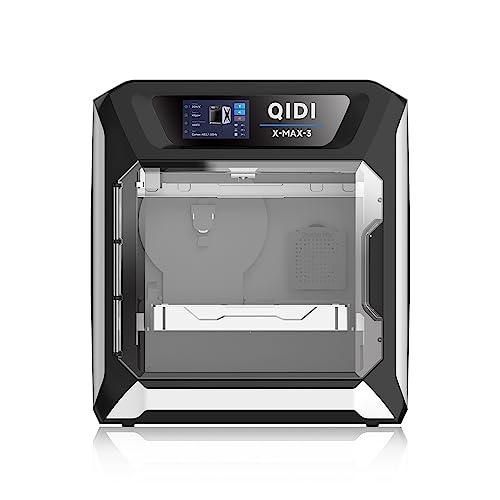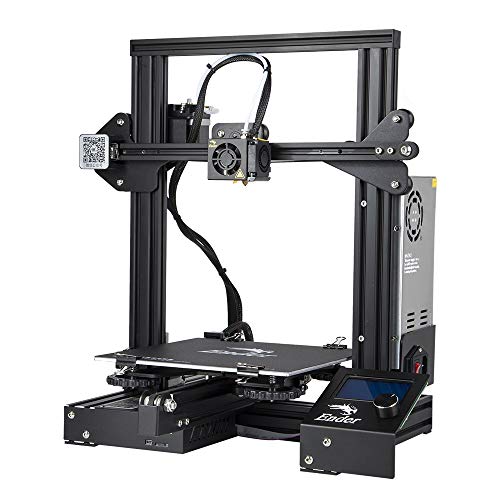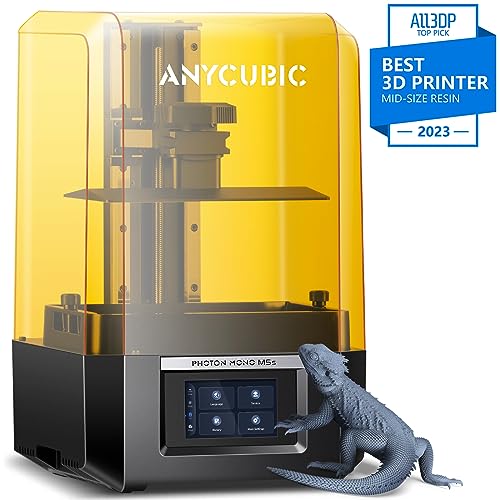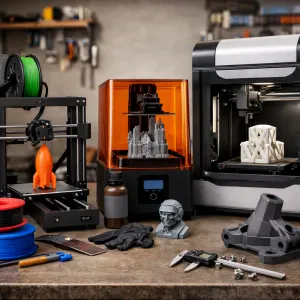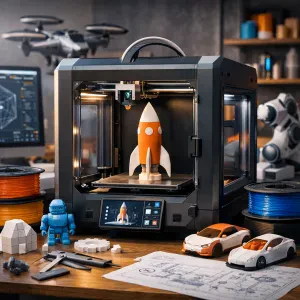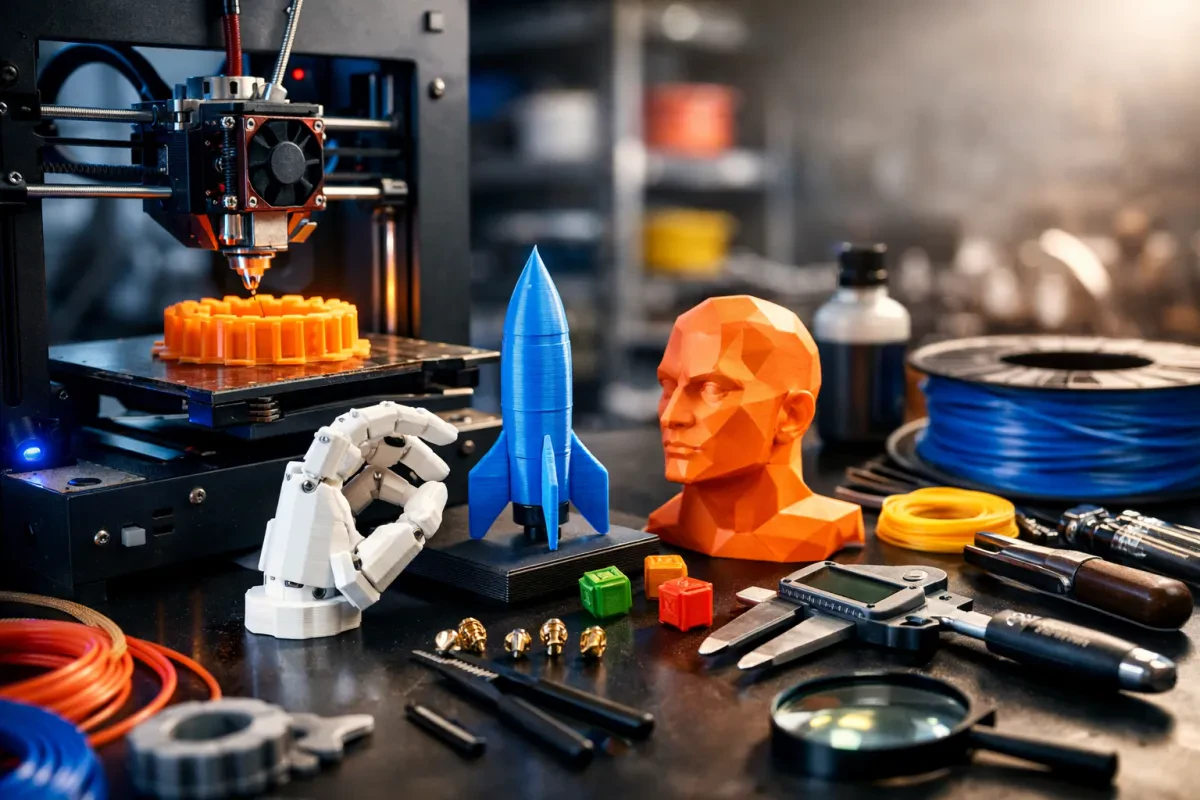
Picking the right 3D printer can feel overwhelming, but it doesn't have to be! Start by thinking about what you really want to create. Are you into making fun toys, prototypes, or maybe even custom parts for your hobby projects? Identifying your main goal helps narrow down your choices.
Next up, consider the material you want to use. Different printers work best with different filaments. If you’re planning to print something durable, look for a printer that can handle stuff like ABS or PETG. For detailed prints, a machine that works with PLA might be your best bet. Research is key here—finding out which materials fit your projects will guide you toward the perfect printer.
Don't forget about print size! If you dream of creating larger objects, check the printer’s build volume. A small printer might leave you feeling frustrated if you’re aiming for bigger projects. On the flip side, if you're only working on tiny designs, a compact model could be the way to go. It saves space and can often be cheaper.
Lastly, think about ease of use. Some printers are ready to go right out of the box, while others might need some tinkering. If you're new to 3D printing, look for options that have a supportive community or lots of online resources. Utilizing these 3D printing tips can help you find a machine that suits your comfort level.
Pick Quality Filament for Great Prints
Choosing the right filament is crucial for great prints. Different materials have unique properties that can make or break your project. If you want to achieve those impressive results you see online, paying attention to the type of filament you use is key.
Here are a few popular options to consider:
When you’re stocking up on filament, consider the brand too. Some brands have a reputation for better quality and consistency. Poor-quality filament can lead to clogs and uneven prints, which is frustrating when all you want is a smooth finish. So grab a few spools from trusted brands to keep your prints looking great.
Keep these 3D printing tips in mind as you choose your filament to ensure your prints are as fantastic as you imagine. A little extra effort in selecting the right material makes a world of difference in the end result!
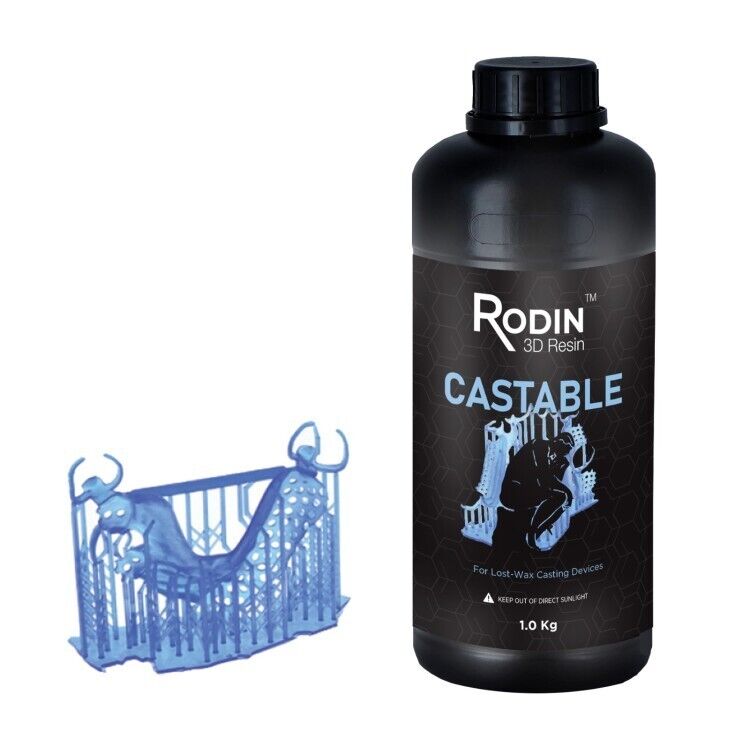
Pac-Dent Rodin 1kg Castable Resin for 3D Printing
Achieve precise and detailed prints with this reliable castable resin designed for jewelry and dental applications
Product information
$264.00
Product Review Score
4.32 out of 5 stars
24 reviewsProduct links
Master Slicing Software for Perfect Designs
When you're diving into the world of 3D printing, the right slicing software can make all the difference. This is where all your hard work in designing comes to life. With the right tools, you can create stunning prints that look exactly how you imagined them.
The best slicing software out there helps you convert your 3D models into printable files. It breaks down your design into layers that the printer can understand. Some options are user-friendly, while others are packed with powerful features for advanced users. Here are a few top picks:
As you explore these options, remember to look for features that match your printing style. Whether you're after speed or quality, there's a slicing software that fits your needs. Optimizing your settings can often lead to a big improvement in print quality, so don’t skip this step! These 3D printing tips will set you up for success on all your projects.
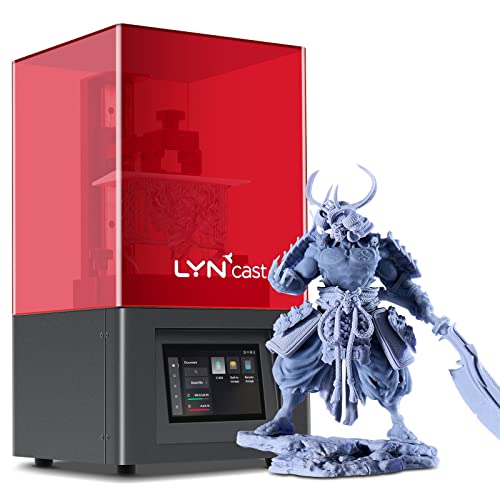
AsterHome Resin 3D Printer, High Precision, Fast Printing
Unlock limitless creativity with the AsterHome Resin 3D Printer, boasting high precision and unparalleled print speed
Product information
$349.99
Product Review Score
4.11 out of 5 stars
220 reviewsProduct links
Troubleshoot Common Printing Issues Quickly
Got some hiccups while printing? Don’t worry. Let’s tackle some common 3D printing issues together. Here are a few quick fixes that might save your print job and your sanity.
First up is adhesion problems. If your print isn’t sticking to the build plate, it can ruin everything. Try cleaning the surface with isopropyl alcohol or using a different adhesive like glue stick or hairspray. And if that doesn’t work, lowering the first layer height can make a big difference in getting that good grip.
Next, let’s talk about stringing. If your prints look like they went through a spiderweb factory, that’s a sign. Check your print settings! Reducing the temperature, increasing travel speed, or enabling retraction can help minimize those pesky strings. A bit of tinkering in your slicer software goes a long way here.
Filament jams can be super frustrating. If you're dealing with a clogged nozzle, heat it up and push some filament through. A nozzle cleaning tool can work wonders too. Regular maintenance is key, so make sure to keep everything clean and in working order. These 3D printing tips can help keep your printer humming along smoothly.
Finally, uneven layers? That could be a sign of bed leveling issues or mechanical problems. Always check that your bed is level before starting a print. If you notice wobbling or inconsistent extrusion, tighten those belts and check for any loose screws. Keeping everything tight and aligned can lead to cleaner, more consistent prints.